



Ignite Studio
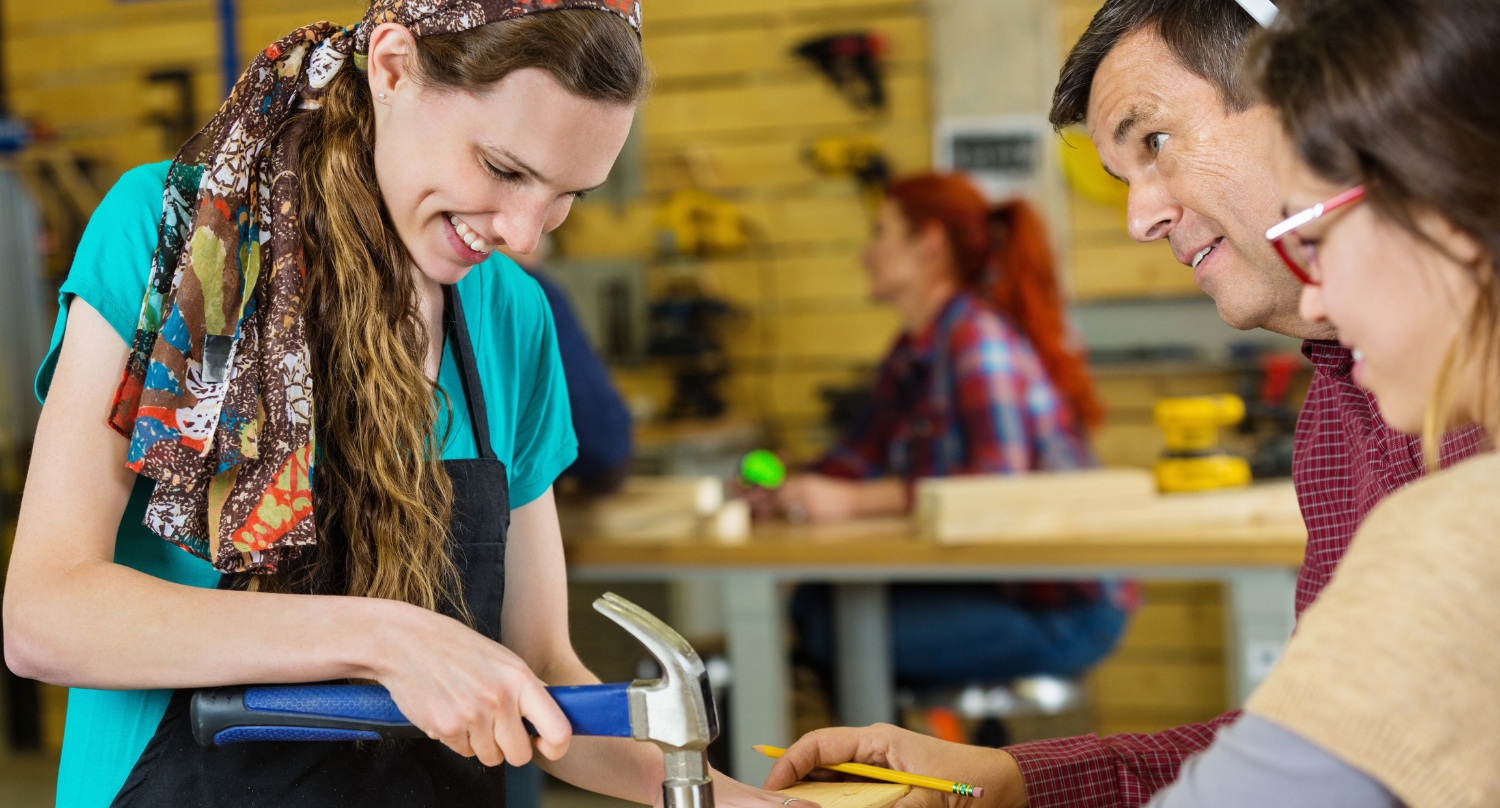
Get creative at our art studio and makerspace.
Crossroads Discovery Center
Experience local history & find your story.
New to the library?
Explore everything the library offers to patrons.
DID YOU KNOW?
You can find HEPL out in the community during our outreach visits to local parks, schools, farmers markets, and celebrations throughout the year!

Loading...
Loading...
Ignite Studio
Get creative at our art studio and makerspace.
Crossroads Discovery Center
Experience local history & find your story.
New to the library?
Explore everything the library offers to patrons.
New & Exciting
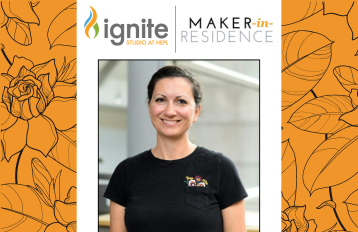
Q&A with Maker-in-Residence Christina Hollering
Ignite Studio welcomes our next Maker-in-Residence, Christina Hollering. Visit Ignite Studio May-July 2024 to meet h...
Día: A Celebration of Literacy
Libraries across the country celebrate Día, and this year, that includes Hamilton East Public Library! Celebrate rea...

Celebrating Asian American and Pacific Islander Month
May is Asian/Pacific American Heritage Month – a celebration of Asians and Pacific Islanders in the United States.<...
This Is The World’s Most Valuable Skill (And How To Use It)
Writing is the world’s most valuable skill. Learn how to become a 10x better writer in just five minutes!
...
Tech Toolbox: Showcasing our Library’s Program Offerings
Are you looking to boost your tech skills? Look no further than our computer and technology programs at Hamilton East...
The Library Behind-the-Scenes: Collection Services
We’re highlighting different departments and services to give you a behind-the-scenes look at how the library s...

Finding Books by Arab and Middle Eastern authors
Looking for a few tips to help you find books written by Arab and Middle Eastern authors? We’re here to help!
...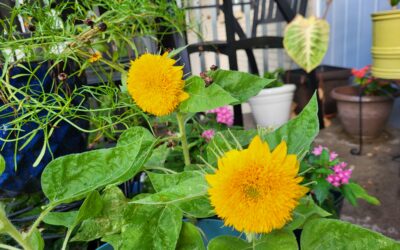
Choosing Seeds with the HEPL Seed Library
By Julia W., Community Engagement Coordinator Spring is almost here, and the HEPL Seed Library is officially open! Ma...
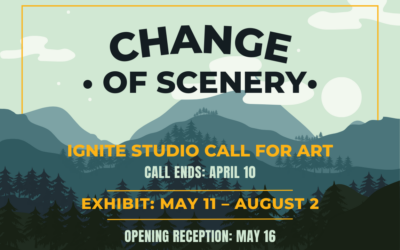
Ignite Studio Call for Art: Change of Scenery
Ignite Studio has opened a call for art for our group exhibit “Change of Scenery.”
...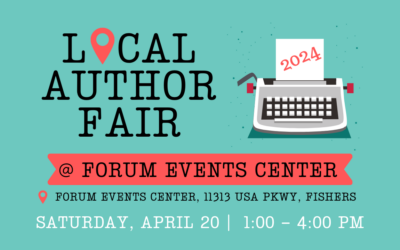
HEPL Local Author Fair 2024 Coming Soon!
HEPL is excited to host our 2024 Local Author Fair, a free open house-style event for all ages, on Saturday, April 20...
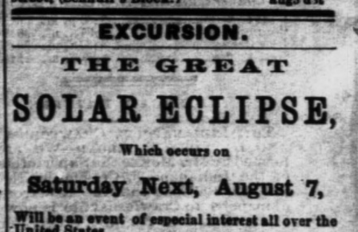
Viewing Historic Eclipses in Hamilton County
The upcoming eclipse isn’t the first to be seen in Hamilton County. Explore some interesting accounts of how pe...
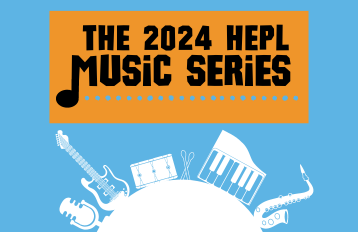
The 2024 HEPL Music Series
Learn about free concerts for all ages at the Fishers Library in the 2024 HEPL Music Series, sponsored by the Friends...
Digital Library: 24/7 Resources

Online Research
Extensive online resources for all your research needs.

Audiobooks, Ebooks, Movies, & More
Digital media at your fingertips, accessible anytime and anywhere.

Manage Account
Control your library experience by placing holds, items renewals, and more.
Visit the Hamilton East Public Library

Fishers Branch
5 Municipal Drive, Fishers, IN 46038
317-579-0300

Signature Service:

Noblesville Branch
1 Library Plaza, Noblesville, IN 46060
317-773-1384

Signature Service:

Newsletter sign up
Receive monthly updates and highlights about library events, programs, and services – all in one quick read!